
View TikTok Profiles Privately Without an Account
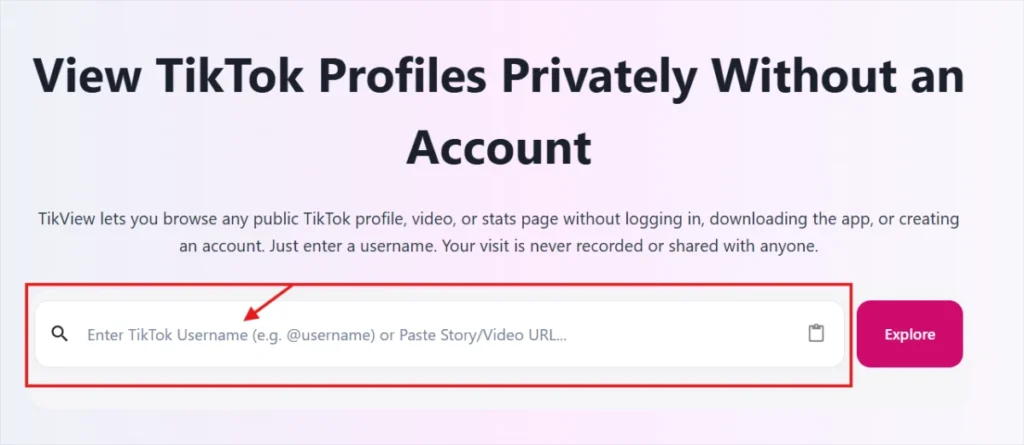
TikView lets you browse any public TikTok profile, video, or stats page without logging in, downloading the app, or creating an account. Just enter a username. Your visit is never recorded or shared with anyone.
Introduction
TikView TikTok Profile Viewer is a free online tool that allows you to view public TikTok profiles without logging in or creating an account. You can explore profile details, videos, follower statistics, and engagement insights instantly from your browser.
This tool is designed for users who want a fast, simple, and anonymous way to access publicly available TikTok information without installing any app or extension.
How to View TikTok Profiles Anonymously? (Step-by-Step)
- Step 1: Open the Tool and Enter Username or URL: Go to TikView.io in your browser, open the TikTok Profile Viewer. Type the TikTok username (e.g, @username) or paste the full profile link into the search bar and click the “Explore” button.
- Step 2: View, Analyze, or Explore Profile Data: Browse the public information, such as videos, follower count, likes, bio, and engagement details, in a clean dashboard. Scroll through the content or compare metrics to understand the profile’s performance.
- Step 3: Save or Export: Once you have everything you need, bookmark the profile page for quick access later or export the available data to save it for future use. Want to check another TikTok account? Simply go back to the search bar, enter a new username or URL, and start over in seconds.
Features of Anonymous TikTok Profile Viewer
1. Username Search
Just type any TikTok username in the search bar and instantly pull up their full profile. No TikTok app or account required.
2. Profile Overview
See the account’s display name, username handle, and bio description all in one place. You know exactly whose profile you are looking at before going deeper.

3. One-Click Profile Download
Download the profile details with a single click using the Download button. Save the information for later without any hassle.
4. Active Profile Stories
View all currently active stories posted on the profile. You can see story thumbnails directly in the tool without visiting TikTok.

5. View TikTok Profile Followers Statistics
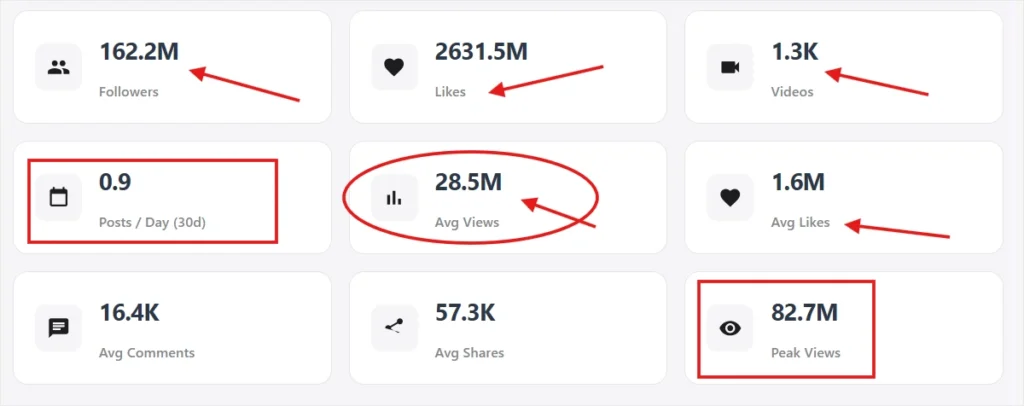
Check the total number of followers and the overall likes the account has collected. Great for judging how popular a creator really is. Our TikTok profile viewer helps you analyze follower growth, engagement trends, and account performance. View public follower information and discover how creators grow their audiences on TikTok?.
6. Total Video Count
See exactly how many videos the account has published so far. Useful for understanding how active and consistent the creator is.
7. Posting Frequency
Find out how many posts the account puts out per day based on the last 30 days. This indicates how regularly a creator produces content.
8. Average Views Per Video
Know the average number of views each video gets. This is a strong sign of how well the content actually performs with real audiences.
9. Average Likes Per Video
See the average number of likes a video receives. A high average likes mean the audience genuinely connects with the content.
10. Average Comments for Each Video
Check how many comments each video typically gets. More comments usually mean a highly engaged and active community.
11. Average Shares Per Video
Find out how often viewers share the content. A high share count shows the videos are interesting enough for people to spread around.
12. Peak Views
Find the highest view count ever achieved by a single video on the profile. This indicates the creator’s peak viral reach.
13. Public Video Gallery
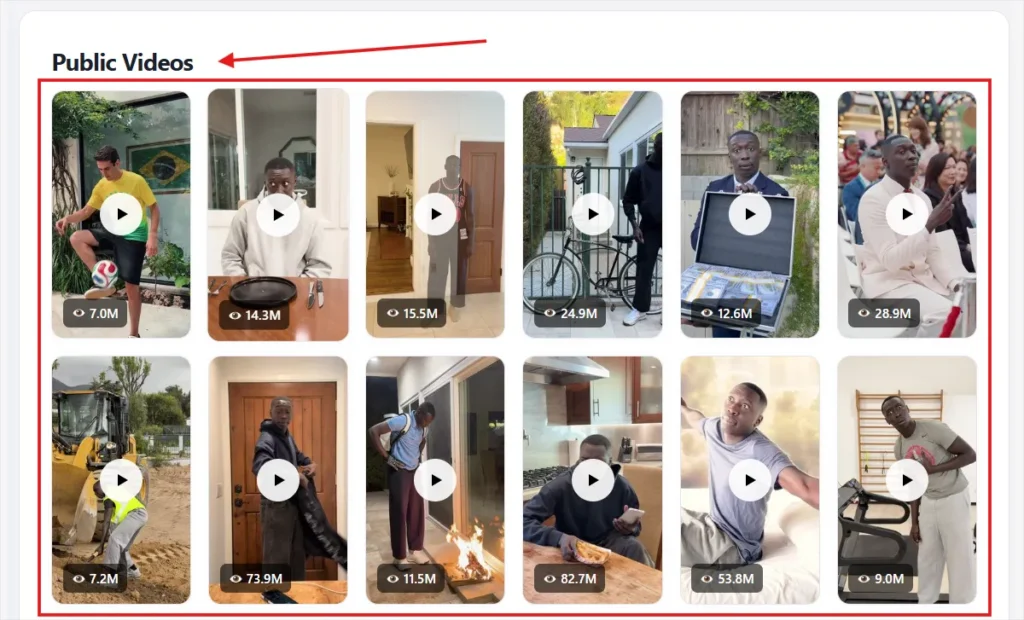
Browse all publicly available videos from the profile in a clean thumbnail grid. Each video shows its view count, so you can spot the best-performing ones at a glance.
14. Load More Videos
The tool does not limit you to just a few videos. Hit the Load More button to keep browsing deeper into the profile’s full video history.

15. No TikTok Account Needed
You do not need to log in or even have a TikTok account to use this tool. Anyone can search and view profiles freely.
Why You Should Use an Online TikTok Viewer?
Viewing competitor content on your personal TikTok account feeds their videos into your algorithm and can mix unrelated content into your own recommendations. TikView keeps competitor research completely separate from your main account, so your “For You” feed and your own analytics stay untouched.
Safe, Secure, and Private Browsing
TikView only pulls data that TikTok already makes publicly available through its official API, the same information anyone could see by visiting a public profile directly. The tool does not bypass privacy settings, does not access private accounts, and does not require any TikTok credentials to function.
Your IP address, search terms, and browsing session are not stored or logged. TikView does not use cookies to track repeat visits, and no record of which profiles you’ve viewed is kept on our servers or shared with TikTok or any third party.
Benefits of TikTok Profile Viewer
- Anonymous browsing of public data
- Fast and easy access
- No login required
- Works on mobile and desktop
- 100% web-based tool