You post a video, people tell you they commented, but you see nothing. Or you open someone’s video and the comment section is blank, stuck on “Loading,” or says “Comments are turned off.” I’ve faced this many times on my own account and while helping other creators, and the good news is that it is usually easy to fix.
Why Are TikTok Comments Not Showing?
Here are the most common reasons:
- Weak or unstable internet. Comments need a good connection to load.
- Old version of the TikTok app. Outdated apps often have bugs.
- Full cache or temporary app glitch. Too much stored data can make the app act strangely.
- Comments are turned off by the creator for that video.
- Comment filters are on. TikTok may hide comments with certain words or those it thinks are spam.
- Restricted Mode is on. This can limit what you see, including comments.
- Privacy limits. Only followers or friends may be allowed to comment.
- TikTok server problem. Sometimes the issue is on TikTok’s side, not yours.
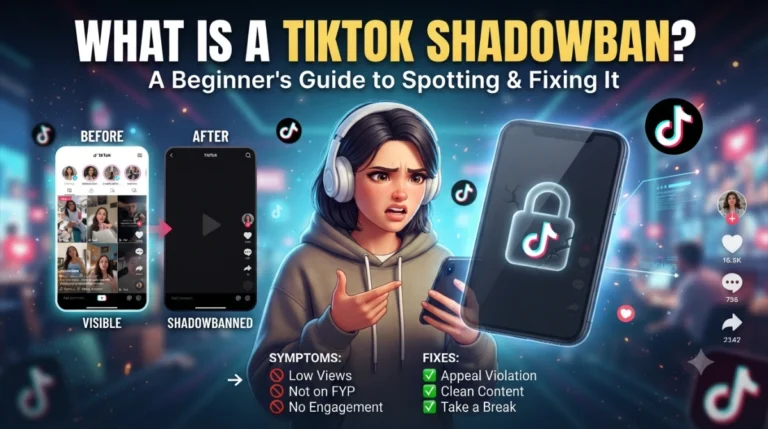
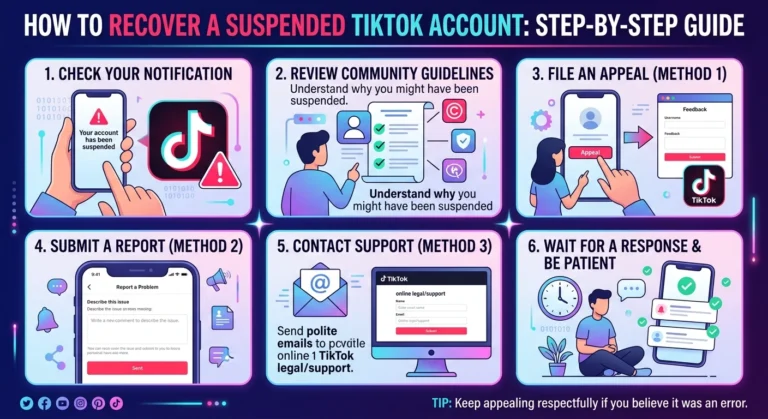
- Account restrictions. Your account may be limited because of a community guidelines warning.
- VPN problems. A VPN can slow or block comment loading.
Step-by-Step Fixes
Try these in order, from easiest to most advanced.
Fix 1: Check your internet
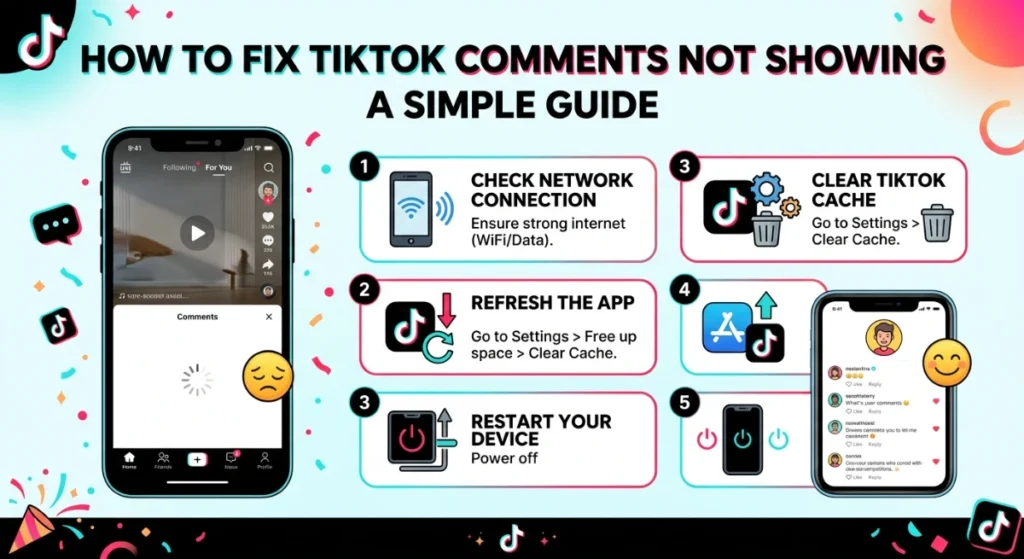
Switch between Wi-Fi and mobile data. If a video plays but comments don’t load, your connection may be too weak. Turn off any VPN while you test.
Fix 2: Close and reopen the app
Fully close TikTok (swipe it away from your recent apps) and open it again. This clears small glitches.
Fix 3: Restart your phone
Turn your phone off, wait 30 seconds, and turn it on. It sounds basic, but it works more often than you’d think.
Fix 4: Update TikTok
Go to the Google Play Store or Apple App Store, search for TikTok, and tap Update if it appears. Many comment bugs are fixed in new updates.
Fix 5: Clear the cache
Go to Profile → Menu (three lines) → Settings and privacy → Cache & Cellular → Free up space and clear the cache. This removes junk files without deleting your account or videos. (Menu names can change slightly between app versions.)
Fix 6: Check comment settings on your video
If your own comments are missing:
- Open your video, tap the three dots (…) and look at Privacy settings.
- Make sure Allow comments is turned on.
Fix 7: Check “Who can comment”
Go to Settings and privacy → Privacy → Comments and check who is allowed to comment (everyone, friends, or no one). Set it to Everyone if you want open comments.
Fix 8: Check your comment filters
Under the same Comments settings, look at Filter all comments and Filter spam and offensive comments. If these are on, some comments may wait in a “Filtered comments” section instead of showing publicly. Review them there and approve the good ones.
Fix 9: Turn off Restricted Mode
Go to Settings and privacy → Content preferences → Restricted Mode and turn it off if it is on.
Fix 10: Log out and log in again
Log out of your account, close the app, then log back in. This refreshes your account data.
Fix 11: Check if TikTok is down
Search “TikTok down” in your browser or check a site like Downdetector. If many people report problems, just wait a few hours. Nothing is wrong with your account.
Fix 12: Reinstall the app
If nothing works, uninstall TikTok and install it again. Make sure you remember your login details first. Your videos and account stay safe because they are saved online.
Fix 13: Contact TikTok support
If the problem lasts more than 2 or 3 days, report it: Profile → Menu → Settings and privacy → Report a problem → Comments. Add a screenshot or screen recording to help them understand.
A Simple Example
Situation: Ayesha posts a cooking video. Her friend tells her, “I commented on your video!” But Ayesha opens the video and sees “0 comments.”
What she tried, step by step:
- She checked her internet. It was fine, but she tried switching from Wi-Fi to mobile data. Still nothing.
- She updated the TikTok app. Still nothing.
- She opened Settings and privacy → Privacy → Comments and found that Filter all comments was turned on. That was the problem. Every comment was waiting for her approval in the filtered section.
- She opened the filtered comments, approved her friend’s comment, and turned the filter off.
Result: The comment appeared right away, and new comments started showing normally.
The lesson: Don’t panic. Often the cause is just a setting, not a ban or a broken account.
Quick Checklist
- Internet working?
- App updated?
- Cache cleared?
- Comments allowed on the video?
- Comment filters checked?
- Restricted Mode off?
- TikTok not down?
Tips to Avoid This Problem in the Future
- Keep your TikTok app updated.
- Clear your cache once a month.
- Check your comment filters from time to time.
- Avoid using spammy words, links, or too many hashtags, which can cause comments to be filtered.
- Follow TikTok’s community guidelines so your account doesn’t get restricted.
Final Words
When TikTok comments are not showing, the cause is usually small, a weak connection, an old app, or a privacy or filter setting. Start with the easy fixes first, and most problems are solved within minutes. If nothing helps, wait a little in case TikTok itself has a problem, then report it to support.
Frequently Asked Questions
Ready to check your account’s engagement health? Use TikView